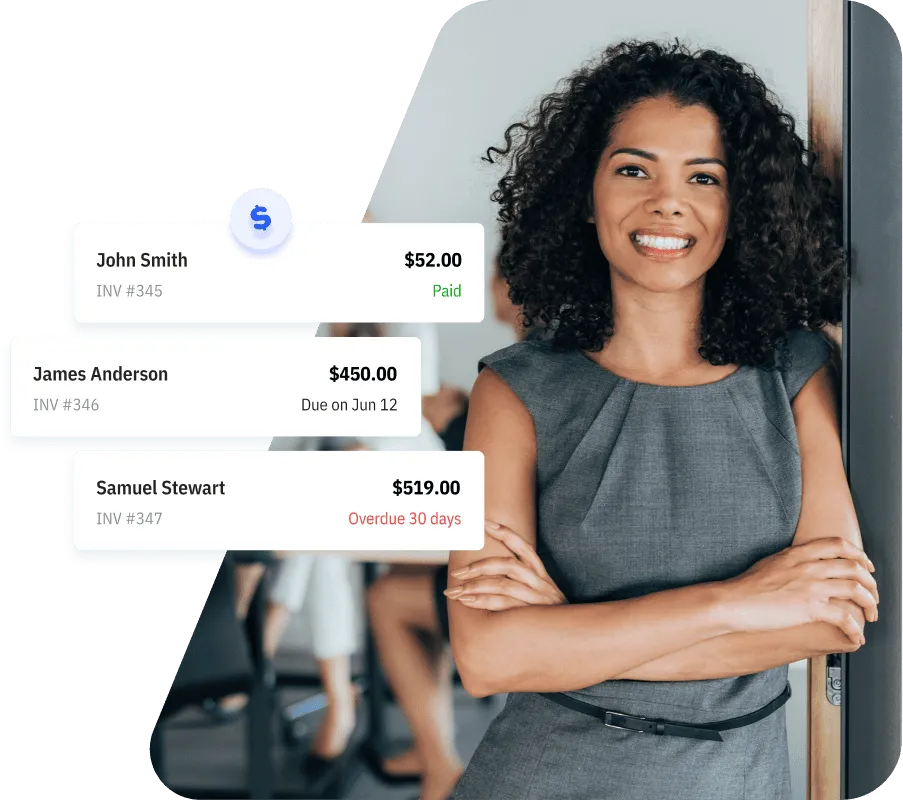
How to Send Invoices On the Go?
3min read
|
Feb 12, 2026
If you’re trying to send an invoice right after finishing a job, you don’t need a laptop. Today, you can create and send an invoice directly from your phone in just a few minutes.

Why Sending Invoices Immediately Matters
Delaying invoices often leads to delayed payments. When you send an invoice as soon as the job is done, you:
- Get paid faster
- Avoid forgetting to bill
- Keep your cash flow predictable
- Follow up promptly, which ensures nothing slips through the cracks
This is why invoicing on phone workflows are so important for small business owners.
How to Send an Invoice from Your Phone (Step-by-Step)
Wondering how to send an invoice from your phone? Here’s a step-by-step workflow:
1. Open a mobile invoicing app
Use an invoicing app or any tool that supports mobile invoicing. Make sure the app is mobile-friendly and allows you to generate invoices quickly.
2. Add your customer details
Enter your client’s name, email, and billing information. Some apps let you save clients for future invoices, which speeds up repeat billing.
3. Create the invoice
Add the services or products provided, pricing, taxes, and payment terms. Most apps allow you to create an invoice on your phone with pre-filled templates or your branded design.
4. Send the invoice instantly
Send the invoice via email, link, or even SMS if your app supports it. Doing this immediately ensures you don’t forget and shows professionalism to your clients.
5. Follow up when needed
Some apps let you set reminders or automate follow-ups. A quick, polite follow-up can significantly reduce payment delays.
This full workflow makes invoicing on the go seamless, professional, and reliable.
How to Choose the Right Mobile Invoicing App
With so many options out there, choosing an invoicing system with mobile invoicing can be overwhelming.
There are many invoicing apps on the market, but your goal isn’t to pick the one with the most features — it’s to choose the one that best fits your workflow and the scale of your business.
Focus on:
- Fast and simple invoice creation
- Clean mobile interface
- Easy sharing options (email, link, or PDF)
- Basic payment tracking and reminders
- Optional features for recurring invoices or templates
The best mobile invoicing app for small businesses is one that helps you get paid faster without adding complexity to your workflow.
Tiny Invoice App Designed for Small Businesses and Freelancers
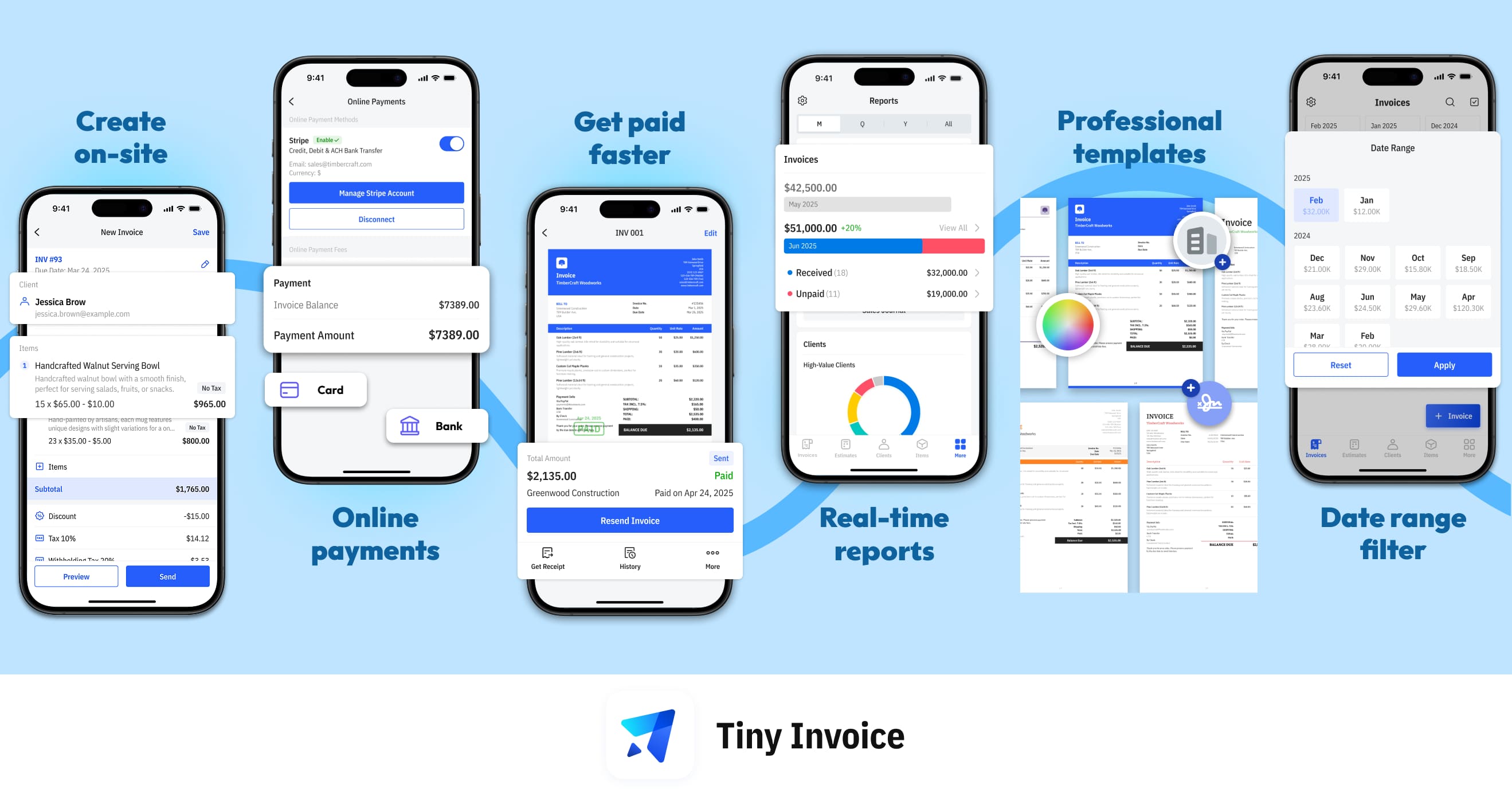
For small businesses looking for a simple, fast, and reliable mobile invoicing solution, Tiny Invoice is a great choice. This lightweight app has been helping small businesses for over 13 years, serving more than 660,000 customers. With 18,000 ratings on the App Store and an average score of 4.8, it has been featured by the App Store for its ease of use and reliability. Tiny Invoice makes it easy to create professional invoices, save client information for future billing, and send invoices instantly via email or link — all directly from your phone. It’s a convenient, no-fuss way to get paid faster while keeping your workflow smooth.
Most Popular Pages

Try Invoice Zip Today
Start Sending Invoices, Building Reports, Saving Office
Time and Get Paid Faster.